Awesome Bar
By Arunkumar Ganesan on December 7, 2022
BeginnerAwesome Bar is the Universal Search within LENS Core
To Access it simply click on the Search box or press Ctrl + G
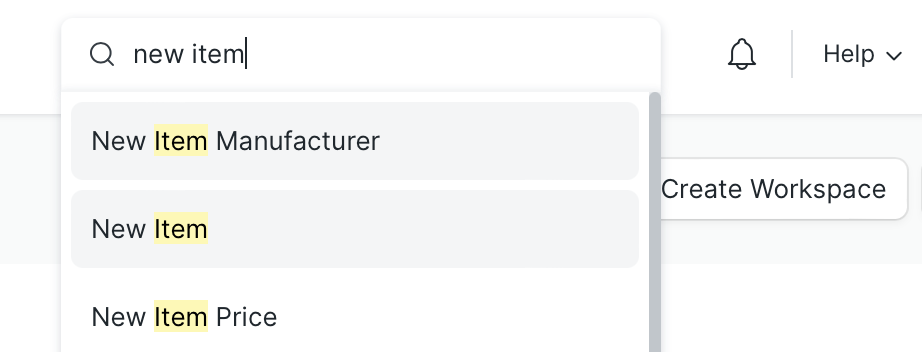
1. Create New Records
Simply type New followed by your doctype eg (new item)
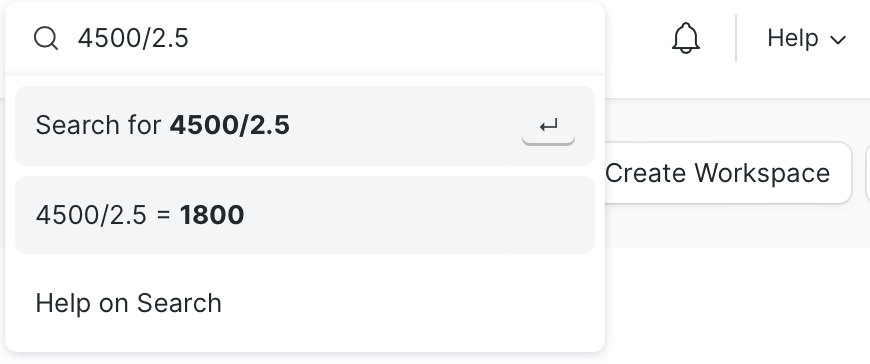
2. Do Quick Calculations
3. Jump to Report or List
The doctype in the search bar(eg Item) and from the listed options choose the action of your choice
4. Search
Search anything in any document
eg(enclos in item). This will return all items with keyword 'enclos'
5. Related Topics
Was this article helpful?
No comments yet. Login to start a new discussion Start a new discussion